Production management for job shops

One board for the office and the shop floor.

FabTandem puts your schedule, backlog, job cards, drawings, material status, QC, operation timers and shipping on one shared production board. Planners see what is coming. Operators see what to run next.

Runs on a computer in your shop. Your drawings and job records stay on your storage.

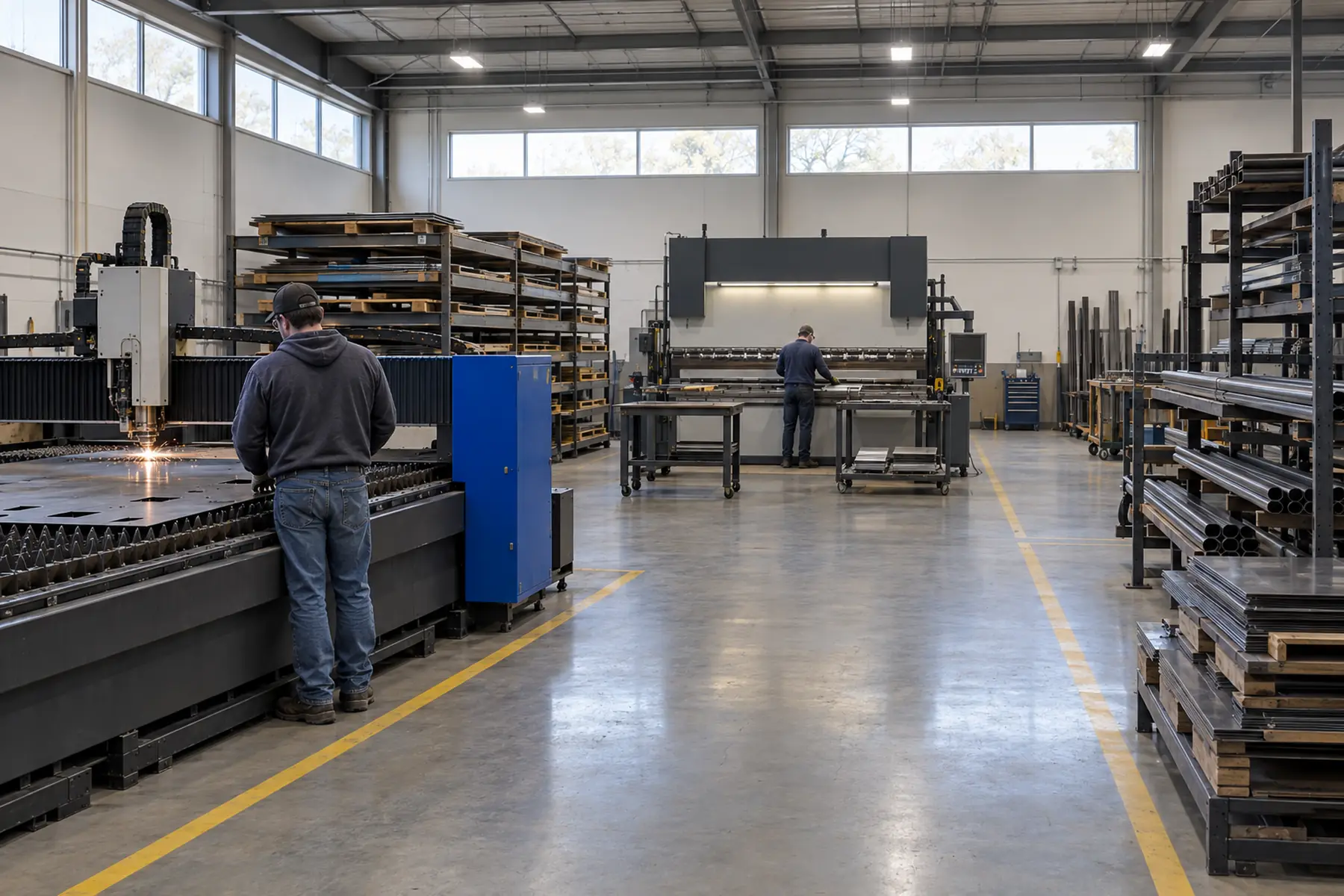
A fabrication shop floor with a fiber laser, a press brake and racks of sheet stock

See the job. Know what comes next.

Every work center gets a lane. Every job is a card with its drawing, quantities, due date and material status, so the whole shop works from the same picture.

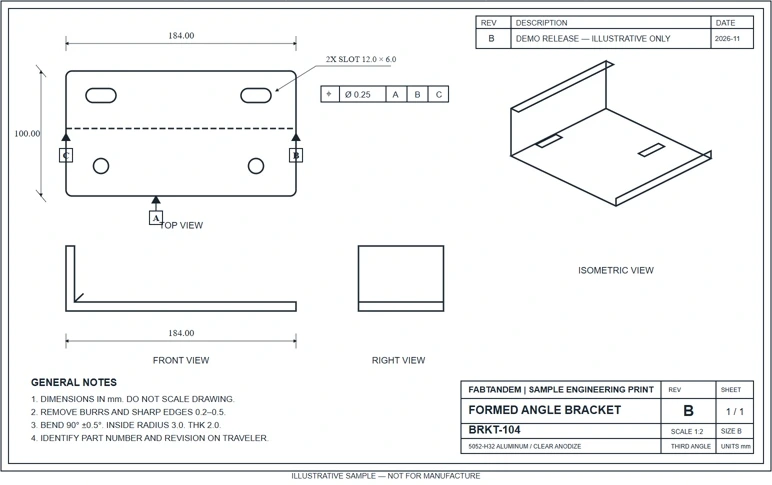
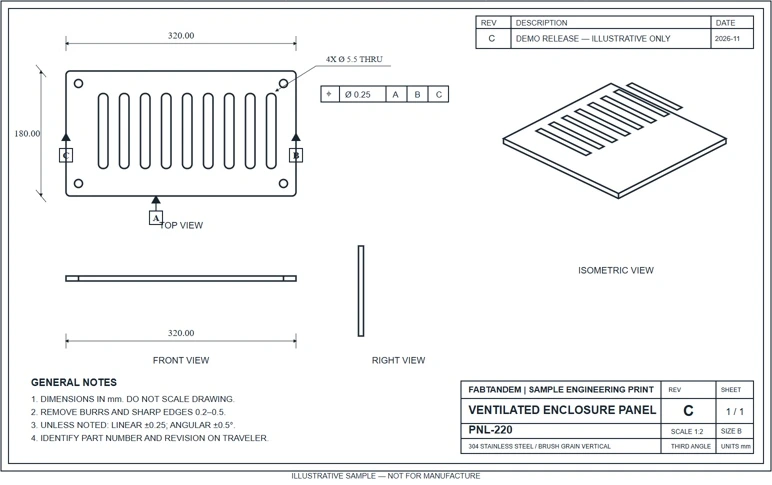
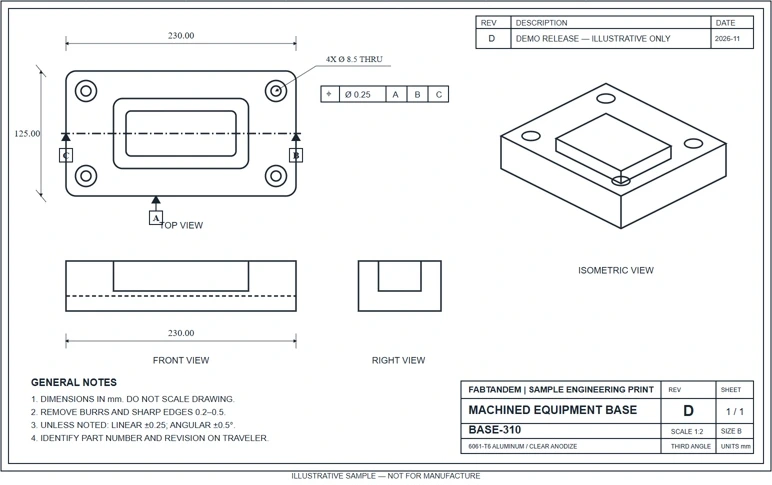
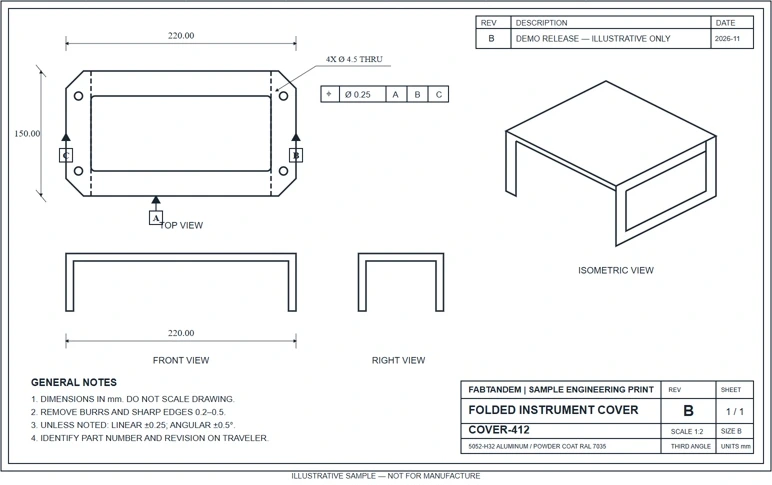
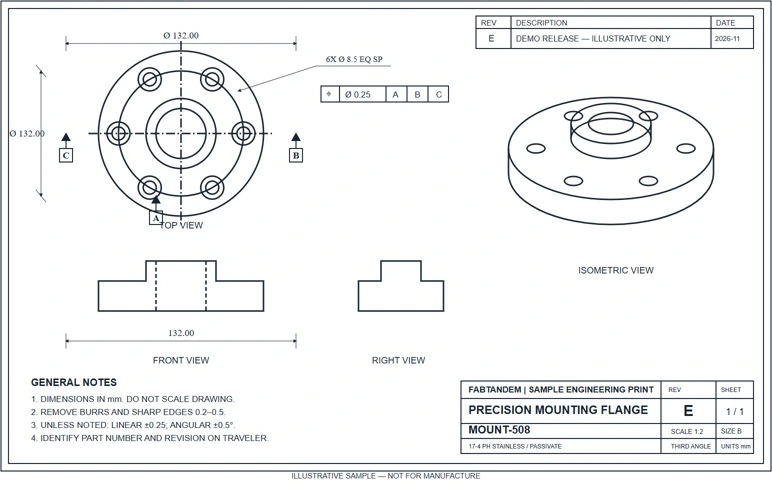
Select a card to see its print. Job 26-1201 was split: 24 panels ship today on traveler 26-1201-A while 16 finish on the laser.

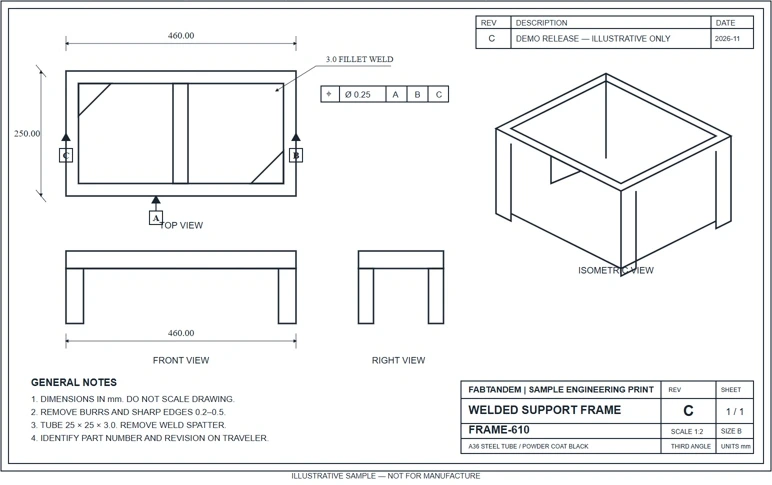
Every card carries its print.

The drawing travels with the job. Operators see the part number, revision, material and routing on the card and the print, so the revision on the floor matches the revision on the order.

Illustrative sample prints. Not for manufacture.

How work moves through FabTandem

  1. 01

    Plan in the office

    Import your backlog from your ERP export, schedule jobs by work center and day, and check material status before work reaches the floor. Bills of materials, drawings and job packets attach to the card.

  2. 02

    Run on the floor

    Operators open job cards at shop kiosks, view PDF drawings and 3D STEP models, start and stop operation timers, record QC and enter completed quantities. Partial completions print a split traveler that moves with the parts.

  3. 03

    Ship under your name

    Finished work flows to shipping with packing lists and shipping documents that carry your company's identity. Nothing ships with the FabTandem name on it.

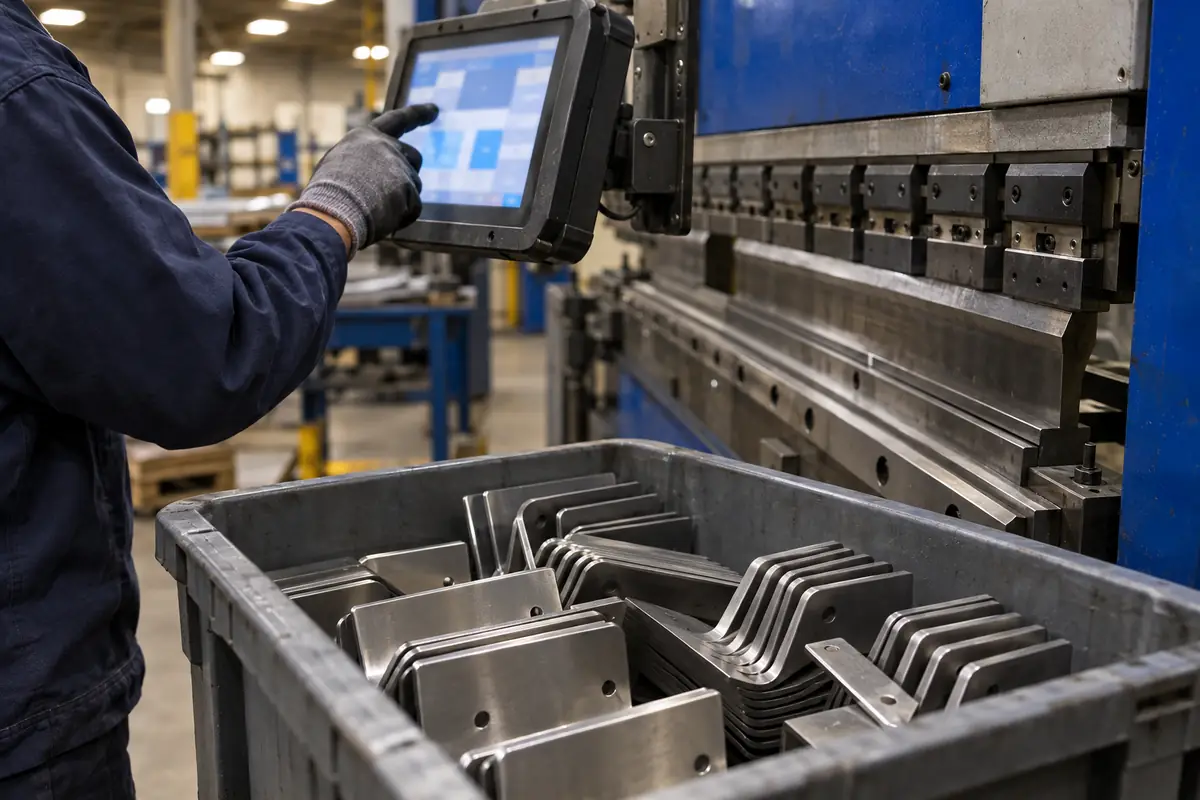
An operator in work gloves taps a touchscreen kiosk mounted beside a press brake

Kiosks that keep up with the floor

Several operators can finish work on the same job at the same time. FabTandem merges their updates instead of letting the last person to tap Save overwrite everyone else.

  • Operation timers per job and work center
  • Completed, scrapped and remaining quantities stay in balance
  • Drawings open right at the machine
  • Operators sign in with their own accounts

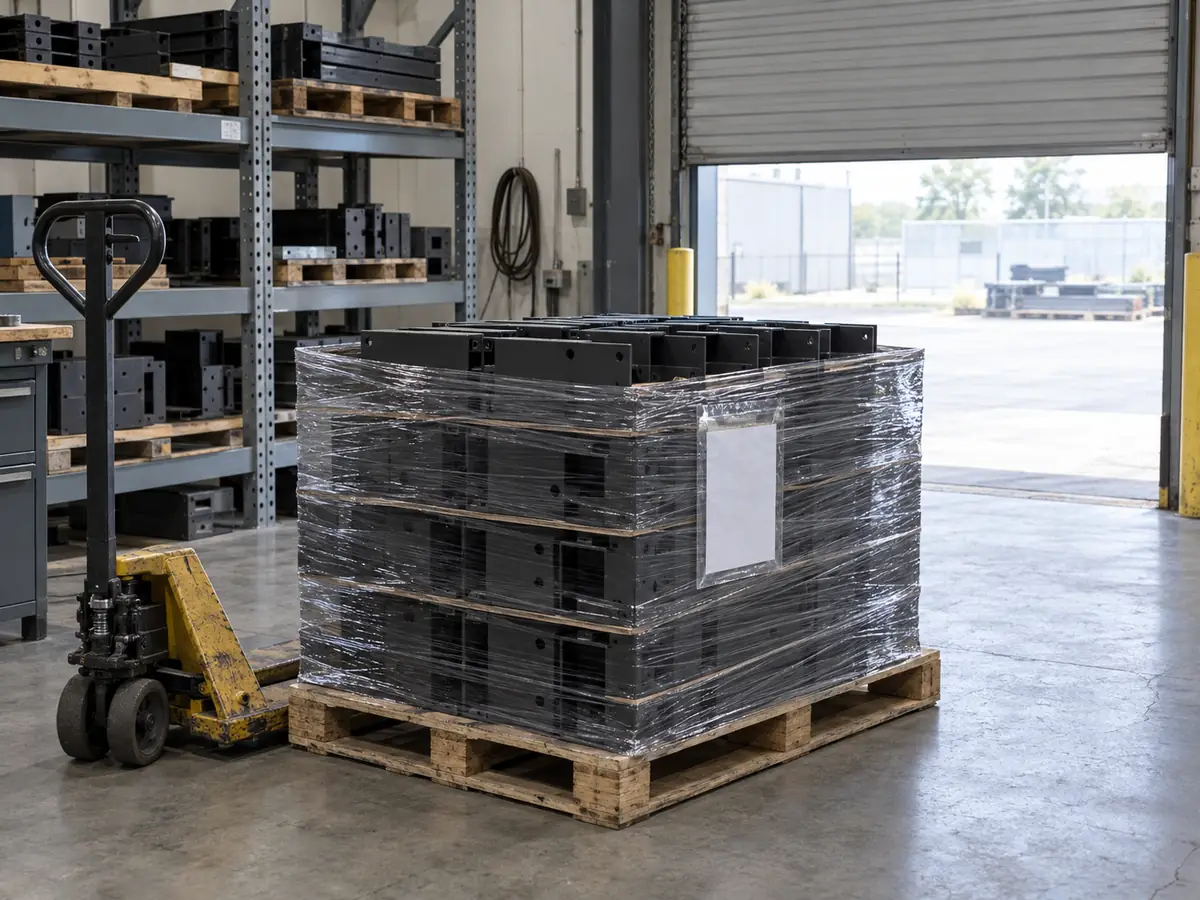
Shipping that closes the loop

Shipping sees exactly what is complete and what is still on the floor. Packing lists come from the job, not from someone retyping it, and every shop keeps its own sender details.

  • Shipments tied to the job cards they close out
  • Reissue or restore a shipment without losing history
  • Your company name, address and contacts on the paperwork
A stretch-wrapped pallet of black powder-coated steel parts by an open dock door

Security and controlled data

Built for shops that handle CUI and ITAR technical data

The Controlled and Defense editions run on hardware you own, inside your network. They are designed to work without any outside connection, so drawings and job packets never leave your environment.

Customer-hosted
The board, its data and its backups live on your server and your storage.
No phone-home licensing
Subscriptions renew with a signed file you install yourself. No outside license check.
Account controls
Owner, manager and operator roles; system-use notice; password reuse blocking; automatic lockout of inactive accounts.
Audit trail
Changes to jobs, quantities and accounts are recorded with who made them and when.
Separate shops
Each customer shop has its own workspace, sign-ins and shipping identity.
Billing stays separate
Billing records hold account and subscription identifiers only. No drawings, jobs or files.

Software alone does not make a shop compliant. Your CUI, ITAR and CMMC status depends on your environment, procedures and assessment. FabTandem is built to support those programs, not to replace them.

Pricing

One price per shop installation. Pay monthly, or yearly and save 20 percent.

Standard

For job shops running ordinary commercial work.

$549 / month

or $5,270.40 billed yearly

  • Production board and work center lanes
  • Backlog import and scheduling
  • Job cards with drawings and 3D STEP viewer
  • Shop kiosks, operation timers and QC
  • Shipping documents under your name
Talk to us

CMMC

Defense

For defense suppliers preparing for a CMMC Level 2 assessment.

$1,449 / month

or $13,910.40 billed yearly

  • Everything in Controlled
  • NIST SP 800-171 requirement mapping for your system security plan
  • Help gathering FabTandem evidence for your assessment
  • Priority support
Talk to us

Prices in US dollars, per shop installation. Taxes may apply. Founding-shop pilots are available. Ask us.

Questions shops ask

Does FabTandem make us CMMC or ITAR compliant?

No software can do that on its own. Compliance depends on your whole environment, your procedures and, for CMMC, your assessment. The Controlled and Defense editions give you a production system designed for that environment, plus the documentation you need to show how it fits.

Where does our data live?

On a computer in your shop. Drawings, job packets, routings and production notes stay on your storage. The billing system only knows your account and subscription.

What do we need to run it?

A Windows computer to host the board, a web browser on office computers, and touchscreens or tablets for shop kiosks. We help you set it up.

What happens if a payment fails?

The board keeps working while payment is retried. If a subscription ends, the board becomes read-only so you can still see and download everything. Your data is never deleted.

Can we switch plans or pay yearly?

Yes. Yearly plans save 20 percent. You can change plans, update cards and download invoices yourself from the billing portal.

See it with your own jobs.

Request a demo